AI TOOL / #06796
AutoPod
An Adobe Premiere Pro plugin for automatic video podcast editing.
Introduction
Adobe Premiere Pro plugin for automatic video podcast editing.
What is AutoPod?
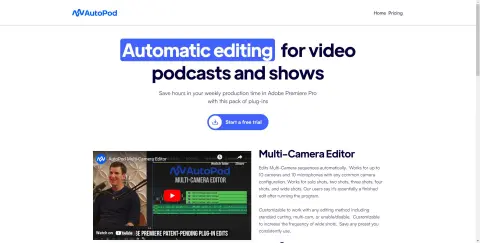
AutoPod is a set of plugins for Adobe Premiere Pro, designed specifically for video podcast and video program editors. It automates tasks such as multi-camera editing, creation of social media-ready content, and seamless editing based on audio silence markers. By streamlining processes that often prove time-consuming for editors, AutoPod helps to save valuable production time every week.
How to use AutoPod?
Install the AutoPod plugin in Adobe Premiere Pro. Open a project file in Premiere Pro, navigate to Window > Extensions, and then click on the desired AutoPod application. Use these tools to automatically edit multi-camera videos, create social media-ready clips, or add transitions based on audio silence.
The core functions of AutoPod
Automatic multi-camera editing
Social media content creation
Jump-cut editing
Related
Voisi AI
A multi-functional AI speech and language converter that enables text-to-speech, speech-to-text conversion, as well as translation capabilities.
Narrator: Audiobook Maker
Convert e-books into audio books with natural voices, supporting a variety of formats.
NaturalReaders
Text-to-speech solutions that utilize artificial intelligence-generated voices, suitable for personal, commercial, and educational use.
Dictaphone
AI-based audio transcription tool for easy note management.
Mojodex
Mojodex uses voice commands and artificial intelligence to simplify the process of summarizing meetings and formulating action plans.
ChatGPT Voice Assistant
The voice-activated ChatGPT interface supports text-to-speech conversion and multiple languages.