AI TOOL / #06325
ChatGPT Voice Assistant
The voice-activated ChatGPT interface supports text-to-speech conversion and multiple languages.
Introduction
Voice-activated ChatGPT interface with text-to-speech and multi-language support.
What is the ChatGPT Voice AI Chrome extension/plug-in?
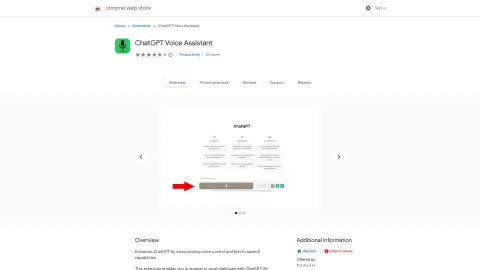
This tool allows you to capture voice input and send it to ChatGPT. The responses generated by the system can be listened to aloud (this option can be disabled if desired). It supports multiple languages, and you can start capturing voice data by clicking the microphone button or holding down the spacebar.
How to use the ChatGPT Voice AI Chrome extension/plug-in?
Click the microphone button or hold down the spacebar to record your voice input. This tool will send your recorded voice to ChatGPT, which will then read out the response. You can also choose to disable the text-to-speech function if you prefer to read the responses directly.
The core functions of the ChatGPT Voice AI Chrome extension/plug-in
Voice input for ChatGPT
Text-to-speech output generated by ChatGPT
Multilingual support
Capture voice input using the microphone button or the spacebar.
Related
Spellmint
AI-powered tools simplify the planning, development, and analysis tasks of agile teams.
ArguAI
Artificial intelligence-powered legal assistants automate legal tasks, help extract valuable insights, and streamline various processes.
AI Lawyer Lab
A no-code AI innovation lab designed to create AI solutions for legal professionals.
Tynal
AI-powered Microsoft Word plug-in for legal contract drafting and review.
Cradl AI
Cradl AI uses AI to automate document parsing, offering a no-code solution and integrations.
Daftar – Automate your agency
Daftar is an automated operating system designed for use in tasks such as time tracking, project management, and bill processing in agencies.