AI TOOL / #09926
MacGaiver
An AI-powered macOS assistant that uses computer vision to answer questions regarding any application.
Introduction
AI-powered macOS assistant that answers questions about any application using computer vision.
What is MacGaiver?
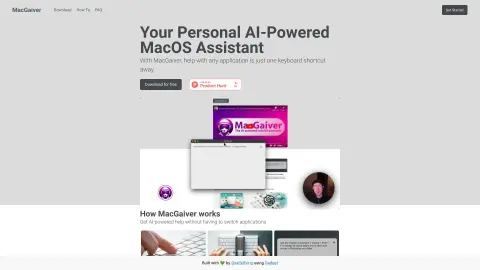
MacGaiver is an AI-powered macOS assistant that utilizes computer vision to answer questions regarding any application. By pressing a keyboard shortcut and posing your question, you can get assistance without leaving the current window. MacGaiver uses the OpenAI Vision API to provide answers in the context of your query.
How to use MacGaiver?
In any application, you can activate MacGaiver using keyboard shortcuts to submit your question—either in audio or text form. MacGaiver will then respond using answers derived from the context, relying on OpenAI GPT-V for its functionality.
The core features of MacGaiver
Provide AI-powered assistance within any macOS application.
Utilize computer vision to provide context-based answers.
Activate keyboard shortcuts
Integration with the OpenAI Vision API
Related
AI-Spy
Ai-SPY detects whether audio was generated by a human or by artificial intelligence.
Canopy
A digital parenting app for filtering inappropriate content and monitoring online activity.
Advacheck
A plagiarism detection system for detecting text and image similarities in academic papers.
HireQuotient AI Detector
Browser extensions designed to detect content generated by AI systems and verify the authenticity of text.
FallacyFilter: Bias & Fallacy Detector
An AI Chrome extension designed to detect biases and errors in online text.
AI or Not
AI detection tools used to examine images, audio files, and KYC documents in order to prevent fraud.