AI TOOL / #07166
GetSearchablePDF
Use OCR technology to convert PDF files into searchable documents.
Introduction
Converts PDFs to searchable documents using OCR.
What is GetSearchablePDF?
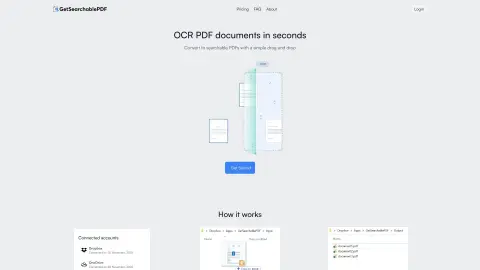
GetSearchablePDF is a service that converts PDF documents into searchable formats by utilizing OCR (Optical Character Recognition) technology. It enables users to transform scanned documents, screenshots, handwritten text, and photos into searchable files. The service places emphasis on ease of use, accuracy, and security; after processing, the files are automatically deleted within 10 minutes. It offers a subscription-based pricing model and also provides a free trial that includes 10 credits.
How to use GetSearchablePDF?
1. Connect your Dropbox or OneDrive account.
2. Drag and drop the PDF file into the input folder (or copy and paste it there).
3. Obtain a searchable PDF file!
The core functionality of GetSearchablePDF
First-class OCR accuracy
Secure file processing (files are automatically deleted after 10 minutes).
Supports handwritten text.
Convert scanned PDF files, screenshots, handwritten text, and photos.
Related
Doable
Integrate AI operators into SaaS applications to enable control via natural language commands.
lifedata.ai
LIFEDATA: WhatsApp data infrastructure for AI, revenue recovery and omnichannel solutions.
theGist
Artificial intelligence platforms empower revenue teams by automating insights generation and workflows.
Agent One
No-code platform for building and hosting custom AI chatbots and agents.
GaliChat
Build, train, and share AI agents for use in customer support and lead generation.
Runner H
Runner H: AI agent for automating complex tasks and network automation.