AI TOOL / #07150
ocrX Image to Text
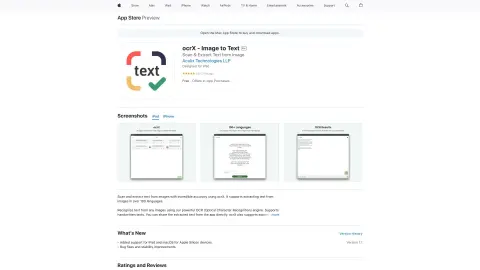
OCRX is an application designed for scanning and extracting text from images, supporting over 100 different languages.
Introduction
ocrX is an app to scan and extract text from images, supporting 100+ languages.
What is OCRX – Image to Text?
ocrX – Image to Text is an application available for iPhone, iPad, and macOS that allows users to scan images and extract text from them. It supports over 100 languages and provides features for sharing as well as exporting the extracted text in TXT or PDF format. This app utilizes optical character recognition (OCR) technology to identify text, including handwritten text, from images.
How to use ocrX – Image to Text?
To use OCRX, open the application, click the “New” button, select an image from your photo library, and you can crop the image if necessary. Then, choose the language of the text. The application will automatically scan and extract the text for you.
ocrX – The core functionality of converting images into text
Scan and extract text from the image.
Supports over 100 different languages.
Share the extracted text.
Export the extracted text in TXT or PDF format.
Edit the extracted text.
Copy the extracted text to the clipboard.
Related
Shapemate
An AI-powered WhatsApp chatbot for fitness, offering personalized exercise and nutrition plans.
Posturise
An online platform that uses artificial intelligence to analyze riding posture and adjust bicycles accordingly.
DailyFitness
24/7 AI fitness and diet coach...
PureStretch
An AI-driven stretching application that offers personalized training and 3D guidance.
FitAI
AI-powered nutrition tracking apps provide personalized health recommendations.
GoDiary: Running Tracker
GoDiary is a fitness application that automatically tracks users' workouts and provides detailed analysis of their exercise progress.