AI TOOL / #07135
Selectext: Copy Text from Videos
Selectext copies on-screen text from videos, improving productivity and saving time.
Introduction
Selectext copies on-screen text from videos, enhancing productivity and saving time.
What is the Selectext AI Chrome extension/plugin?
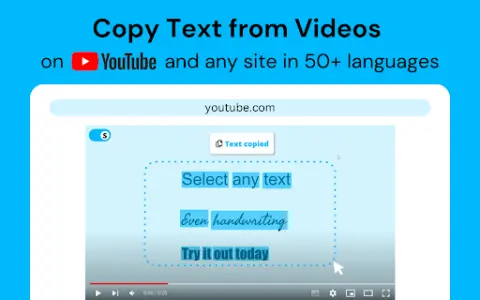
Selectext is a tool designed to make it easy to copy on-screen text directly from any video. It lets users extract text from lectures, tutorials, social media videos, and even handwritten text in seconds. It enhances the video viewing experience by adding the ability to copy text in full-screen mode, simplifying the process of extracting text from videos.
How do I use the Selectext AI Chrome extension/plugin?
Pause the video, click the Selectext toggle button in the top left corner, and select the text—it will be automatically copied to your clipboard. You can also use a keyboard shortcut (press Alt+S on Windows or Option+S on Mac).
The core features of the Selectext AI Chrome extension/plugin
Copy the text directly from the video.
Customizable menu for personalized settings
Indentation mode for copying code
Supports over 50 languages
Compatible with various video websites and local files.
Related
Dreamly
Dreamly: Become a creator and earn money by posting a variety of content, with the assistance of AI.
Flave AI
Create and chat with a personalized AI girlfriend.
ChatCat
Automatically suggest pinned messages for dating/chat apps to simplify communication.
Tinder Ice Breakers
An AI-based dating app that generates ice-breaking phrases.
LoveGenius
AI dating assistant for optimized dating profiles and engaging opening lines.
DateFarmer | AI Autoswiper for Tinder, Bumble & Badoo
AI-powered Tinder enhancement tool that automatically swipes and improves matches.