AI TOOL / #07091
ScreenRedact
A Mac application designed to use local machine learning techniques to identify and highlight text within images.
Introduction
Mac app for redacting text in images using on-device machine learning.
What is ScreenRedact?
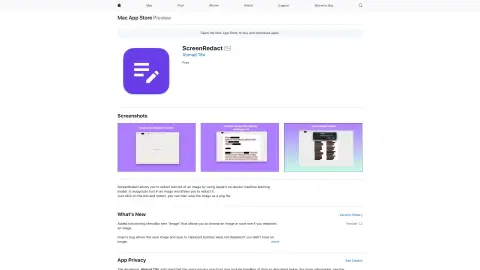
ScreenRedact is a Mac application developed by Ahmad Tibi that allows users to quickly conceal sensitive information from images. It utilizes Apple’s native machine learning technology to identify text within images and provides a user-friendly interface for masking those areas. The modified images can then be saved in PNG format.
How to use ScreenRedact?
Open an image in ScreenRedact, and the application will automatically detect any text present. Click on the text to darken it. Save the darkened image as a PNG file.
The core functions of ScreenRedact
Using Apple’s native machine learning technologies for text masking/darkening.
Save the image in PNG format.
Copy the image to the clipboard.
Related
Dream Avatar: AI Photo Maker
An AI-based app for creating avatars and generating artwork from photos and text.
Ghibli Art Generator
An artificial intelligence tool that transforms photographs into works of art in the Ghibli style.
Brat Generator
A free online tool for creating album covers in the style of Charli XCX’s “Brat.”
AiHouse
Artificial intelligence-powered 3D interior design and manufacturing software.
aihouse.com
AI-powered 3D interior design and manufacturing software, designed to streamline the workflow and deliver photo-realistic results.
jeeliz.com
The virtual try-on glasses solution for e-commerce features realistic rendering effects and easy integration.