AI TOOL / #06640
Talk-to-ChatGPT
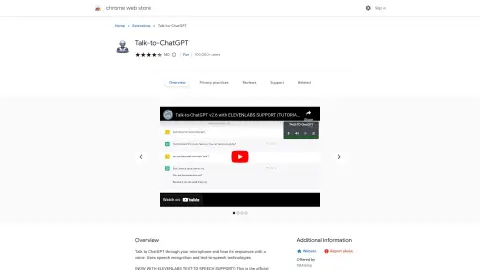
A Chrome extension designed for voice interactions with ChatGPT, which supports both speech recognition and text-to-speech functionality.
Introduction
Chrome extension for voice interaction with ChatGPT using speech recognition and text-to-speech.
What is the Talk-to-ChatGPT AI Chrome extension/plug-in?
Talk-to-ChatGPT is an extension for Google Chrome that allows users to interact with the ChatGPT AI via voice commands and listen to the robot’s responses in audio format (text-to-speech), eliminating the need to type anything. It supports all major languages through the Google Chrome API and also offers the option of using the ElevenLabs API for a wider range of voice options.
How to use the Talk-to-ChatGPT AI Chrome extension/plug-in?
Install the extension, open the ChatGPT homepage, and then click the START button in the pop-up at the top right corner. Adjust settings such as language, speed, and tone as needed.
The core functionality of the Talk-to-ChatGPT AI Chrome extension/plug-in
Voice interaction with ChatGPT
The text-to-speech function provided by ChatGPT
Supports multiple languages
Integration with the ElevenLabs API enables the use of a wide range of audio effects.
Related
Scribvet
Vet AI documentation assistant, enabling the automatic generation of medical records.
FastAi
An AI-driven content creation platform that offers SEO optimization and a variety of AI tools.
DialogusAI – Learn Language by talking to AI
A Chrome extension designed for language learning, which is capable of converting speech into text and vice versa.
Audio Transkriptor: Audio to Text
An audio-to-text tool that converts audio from various sources into text.
QuickWhisper
QuickWhisper uses OpenAI's Whisper to transcribe audio/video natively, via a Chrome extension or MacOS app.
Opusense
An AI-powered on-site inspection and reporting tool that streamlines workflows.