AI TOOL / #10696
CANVID for Windows
Screen recording tool with auto-enhancement to easily create professional videos.
Introduction
Screen recording tool with automatic enhancements for creating professional videos easily.
What is Canvid?
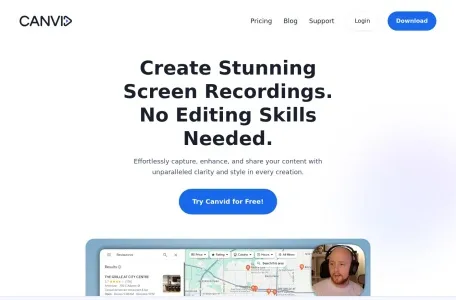
Canvid is a screen recording tool designed to easily capture, enhance and share screen recordings. It offers features like smooth mouse movement, auto-zooming, cinematic motion blur, and background effects, making it ideal for creating high-quality presentations, tutorials, and promotional videos without advanced editing skills.
How to use Canvid?
Capture the screen with just one click, enhance it with auto-zoom and AI background effects, add subtitles, and finally share the finished video instantly via cloud upload or local save.
Canvid’s core features
Auto scaling
AI background effect
Automatic subtitles and transcriptions
Simple screen recording
Share instantly
AI enhanced speech
Creative camera features
Related
CryptoTradeMate
An artificial intelligence-based cryptocurrency trading robot platform that offers automated strategies and risk management capabilities.
Pine Script Wizard AI
An AI-driven Pine Script code generator, designed for use in TradingView strategies and indicators.
MarketGPT
An AI model based on news analysis is used to predict stock prices.
bonsai.trade
Bonsai is a technical analysis tool that offers advanced functionalities similar to those found in TradingView, enabling users to identify market trends and evaluate trading strategies.
Bytient
Real-time prospecting software designed to help identify startups, local businesses, and potential investors.
Dreamhome
AI-driven interior design platform that provides virtual staging, inspiration boards and image enhancement.